

⚡ Missed orders. Delayed responses. Operational chaos.
If you’re manually confirming orders, your store is bleeding time and trust.
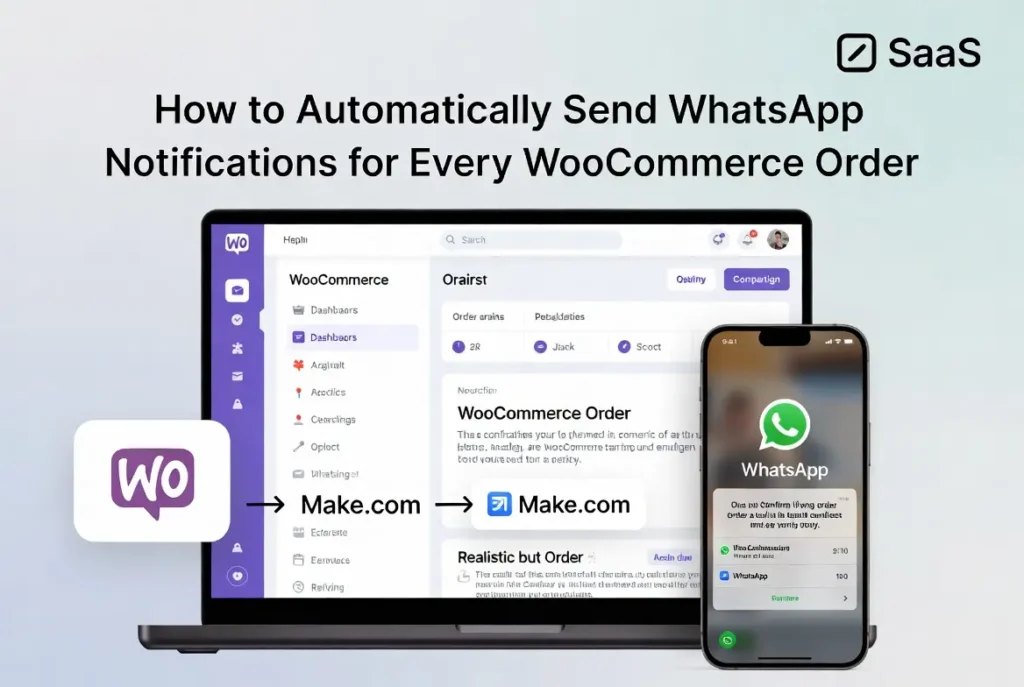
For growing stores, operational inefficiency isn’t just inconvenient — it’s expensive. This guide shows you how to send WhatsApp notifications WooCommerce automatically using:
WooCommerce → Make.com → WhatsApp Business API
No complex coding. No fragile plugin stacking. Just scalable order automation.
Why Manual Order Notifications Break Operational Efficiency
Most WooCommerce stores start simple: Customer places order → WooCommerce sends email → store owner manually messages → customer asks again. It works — until it doesn’t.
- Delayed order confirmation — increased support tickets
- Anxiety about payment/shipping — staff dependency
- Scaling bottlenecks — email open rates ~20–40%, WhatsApp >90%.
→
⚙️ Make.com
→
💬 WhatsApp API
The Operational Solution: Automate Order Notifications via WhatsApp
You need: event trigger + middleware automation + WhatsApp Business API + approved templates + dynamic data mapping. This creates a real-time, scalable notification system:
- Order confirmations · Payment success · Shipping updates · COD verification · Abandoned cart recovery
Architecture Overview: WooCommerce → Make.com → WhatsApp
1. WooCommerce (Trigger Engine)
Triggers: new order, status change, payment completed. Using WooCommerce webhook setup, you push event data externally.
2. Make.com (Automation Middleware)
Visual workflow engine: WooCommerce order status trigger mapping, multi-step logic, placeholders like {order_id}, {customer_name}.
Hello {{customer_name}},

Your order #{{order_id}} has been confirmed.

Total: {{order_total}}

We’ll notify you when shipped.3. WhatsApp Business API (Delivery Layer)
Submit message templates, configure Cloud API, verify business. Enables automated order confirmation WhatsApp messaging — compliant and reliable.
Step-by-Step: How to Automatically Send WhatsApp Notifications
Step 1: Install and Configure WooCommerce
Enable order status notifications, confirm webhook functionality, test order creation events.
Step 2: Create a Make.com Scenario
Inside Make: new scenario → WooCommerce module → trigger “Watch Orders” → choose status (e.g., Processing). Now structured order data flows.
Step 3: Connect WhatsApp Business API
Add WhatsApp Cloud API module, authenticate, select approved template, map dynamic fields (as above).
Step 4: Map Order Triggers and Conditions
If payment_method = COD → send OTP verification. If order_status = Shipped → tracking link. WooCommerce order alerts become structured.
📦 Hi {{customer_name}}, order #{{order_id}} shipped!

Track: {{tracking_url}} (estimated {{delivery_date}})Step 5: Test the Workflow
Place test orders, verify delivery, check phone formatting, test edge cases. Then turn scenario ON. You now send WhatsApp notifications WooCommerce automatically.
Advanced Order Notification Automation
Shipping updates — trigger on “Order Shipped”: tracking number, estimated delivery. COD Verification — OTP via WhatsApp, cancel unverified. Abandoned cart recovery — via WooCommerce webhooks + reminder after X hours.
Operational Benefits of WhatsApp Order Automation
- Faster response time — instant confirmations, real-time updates
- Better customer experience — two‑way chat, immediate clarity
- Reduced support workload — stores report 20–40% fewer tickets
- Increased repeat purchases — reliable communication builds trust
Comparison: Plugin vs API Automation
Basic Plugin
Scalability: limited
Uncanny Automator
moderate custom logic
Woo + Make + API
high scalability, advanced
If you’re serious about growth, middleware automation wins.
Common Mistakes to Avoid
- Using personal WhatsApp numbers
- Ignoring template approval rules
- Hardcoding messages without dynamic fields
- Not validating international number format
- Skipping testing phase
FAQ – WooCommerce WhatsApp Notifications
Do I need WhatsApp Business API to send order notifications?Yes. For automated and compliant messaging, you must use WhatsApp Business API — not the mobile app.
Can I automate WooCommerce shipping updates via WhatsApp?Yes. Using WooCommerce order status triggers and Make.com workflows, shipping updates can be sent automatically with tracking links.
Is WhatsApp order automation GDPR compliant?Yes, if you collect opt-in consent, use approved message templates, and avoid promotional messages without permission.
Can I send abandoned cart reminders through WhatsApp?Yes. Using WooCommerce webhook setup and conditional logic inside Make, you can trigger WhatsApp abandoned cart recovery messages.
How reliable is WhatsApp for order confirmations?WhatsApp open rates are significantly higher than email, making automated order confirmation WhatsApp messages more effective.
When Should You Implement This?
If you process more than 20 orders per day, spend time manually messaging customers, want to reduce support workload, or plan to scale without hiring — it’s time to send WhatsApp notifications WooCommerce automatically. Operational efficiency compounds.
⚡ scalable · automated · whatsapp order notifications